.png?width=250&height=79&name=foundryzcashpool_logo_inverse%20(2).png)
Multiple groups per user is a new application feature which enables the association of user accounts with multiple groups. This allows users to view and manage multiple groups from one profile without having to login with a different username/password.
One huge benefit of this new feature is that it enables users to generate reports based on aggregated data from multiple groups without having to perform separate logins for each group.
Set Up
Contact your Foundry Zcash Pool Relationship Manager with the following information to setup the Multiple Groups Per User feature:
-
Account name (i.e. the accounts that you would like to have linked)
-
Written consent from the owners of the requested accounts (Note: must match the approval threshold for the request/approve feature e.g. if the customer has dual-approver enabled of 2, we must obtain 2 Owners written consent)
NOTE: The below screenshots assume the user does not have the request/approve threshold enabled.
Global Group Selector
The global groups selector allows the user to view data from all groups associated with their account.
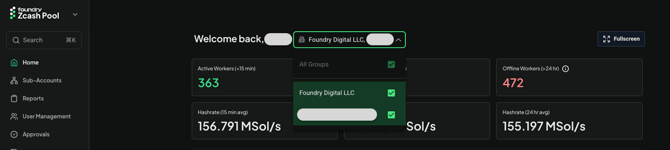
Account Overview
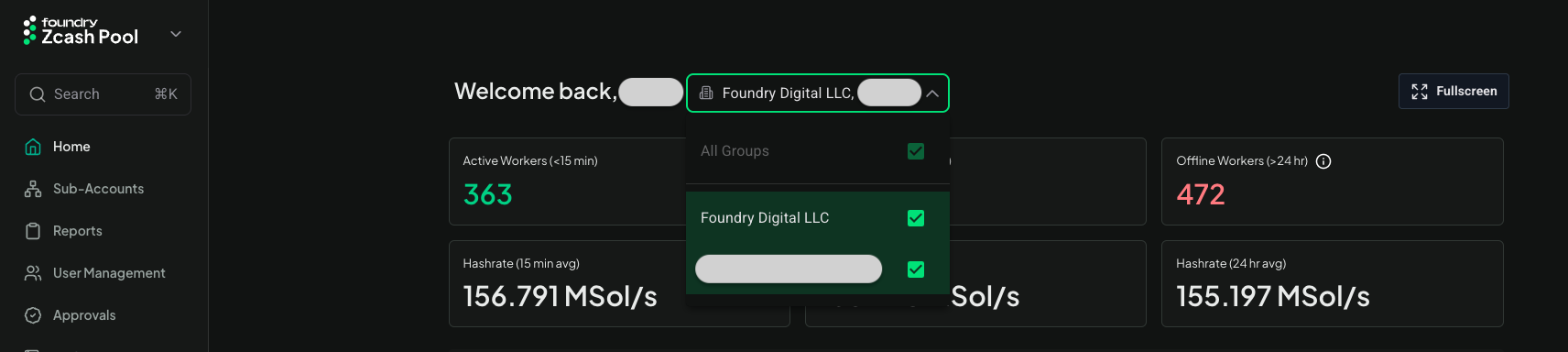
On the Account Overview page, the user can view the aggregate hashrate of all groups.
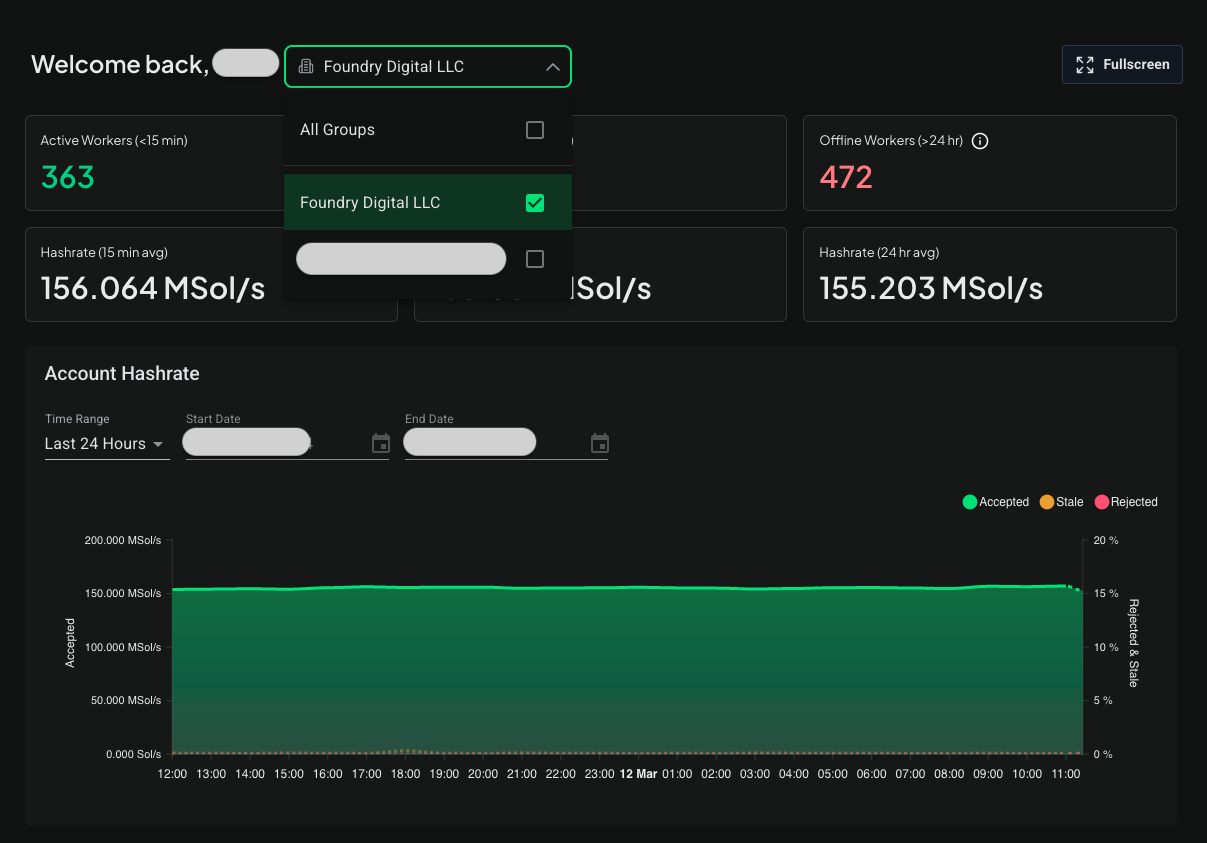
If the user would like to see specific groups, they can select them from the global group selector.
Sub-Accounts
On the Sub-Accounts page, using the global group selector, the user can specify which group(s) to display.
The sub-accounts table now displays the group name for each sub-account.
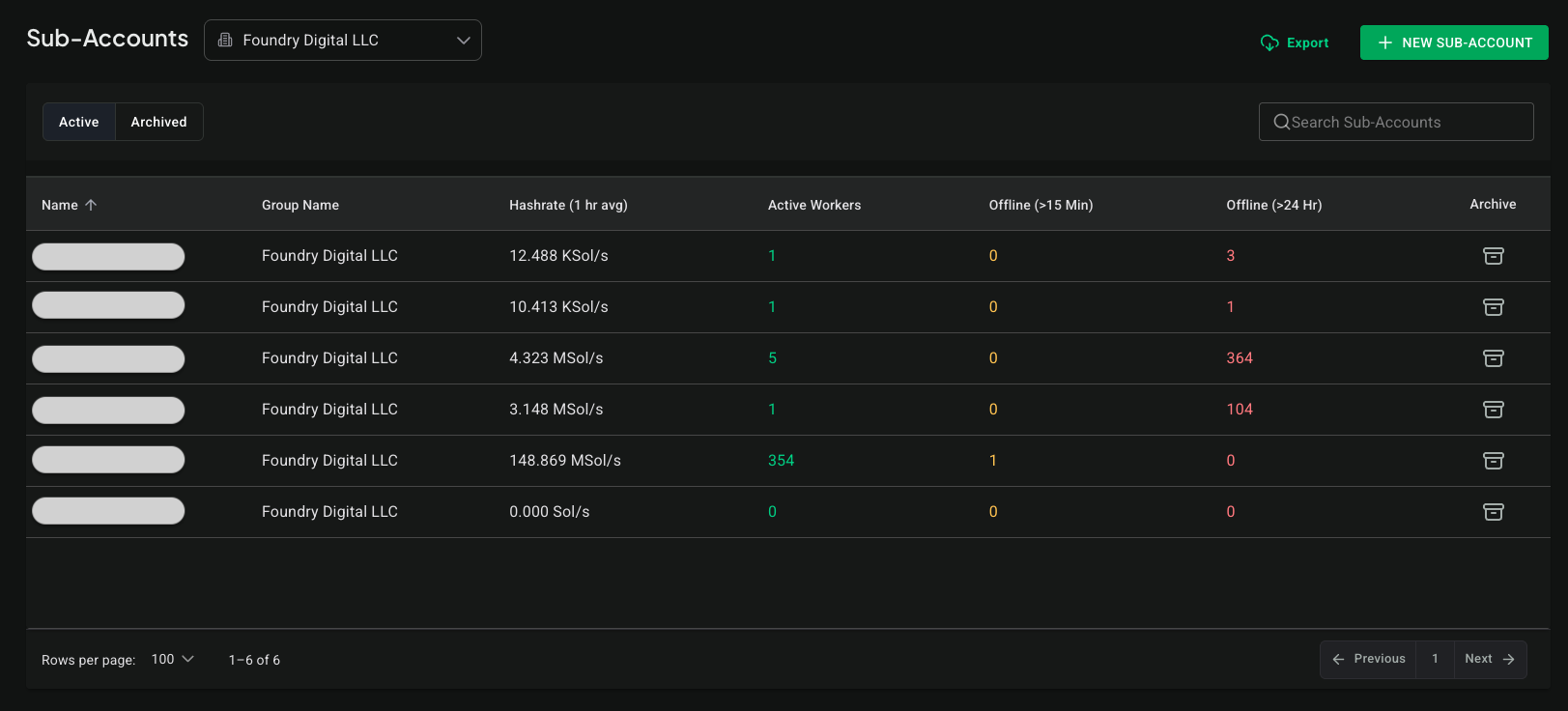
NOTE: You'll find the global group selector on most views in the app, with the exception of the Approvals and User Management views, where we don't need it because we handle switching between group data using tab controls and the sub-account detail view because it's not really needed because we're just working with a single sub-account's data.