.png?width=250&height=79&name=foundryzcashpool_logo_inverse%20(2).png)
Viewers can only be created by users with the "owner" role. Viewer links are weblinks which grant read-only access to an individual subaccount, and can be used for allowing greater control over information shared with third parties outside your organization such as auditors. The Foundry Zcash Pool allows owners to create two types of viewer links: Viewer Links and Financial API Keys.
- Viewer Links grant read-only access to the hashrate for individual sub-accounts.
- Financial API Keys grant read-only access to the hashrate and ZEC earnings from an individual subaccount.
How to Create a Viewer Link or Financial API Key
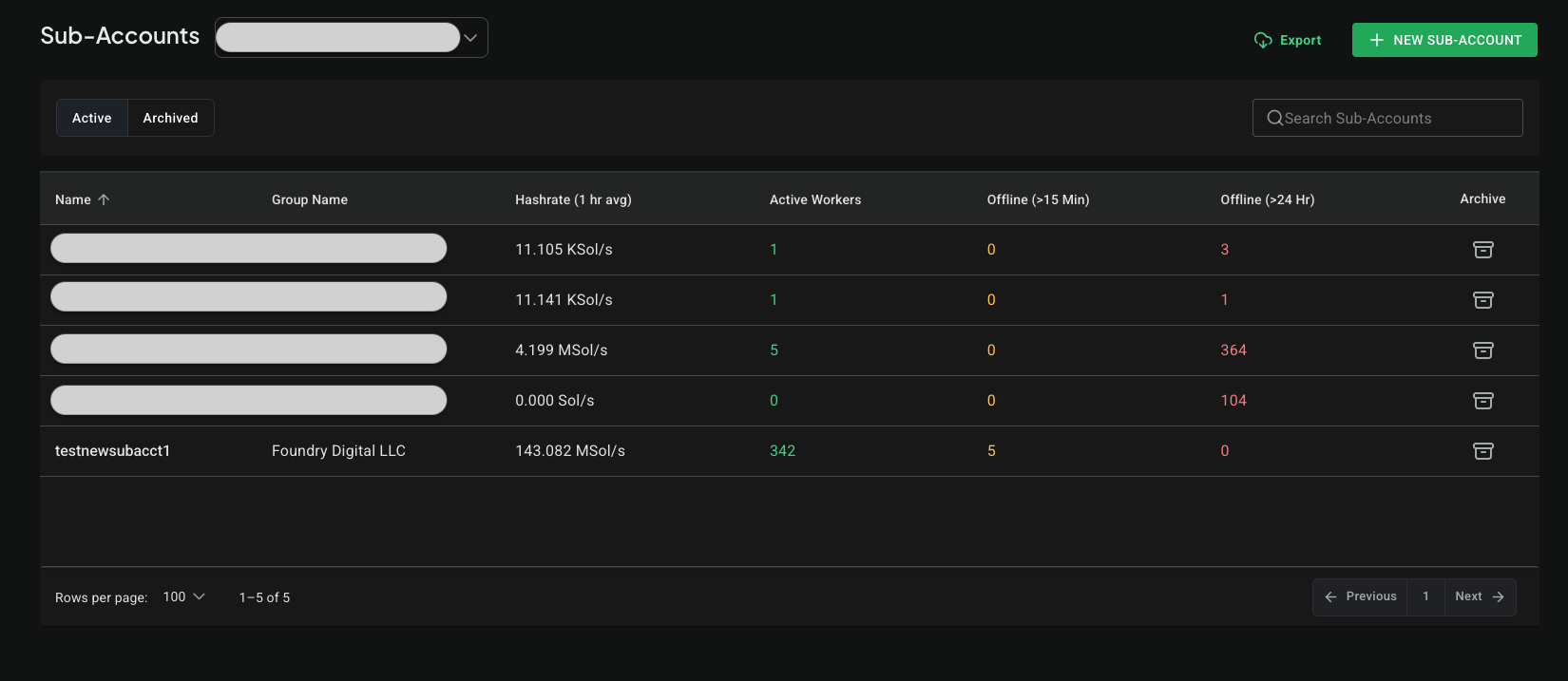
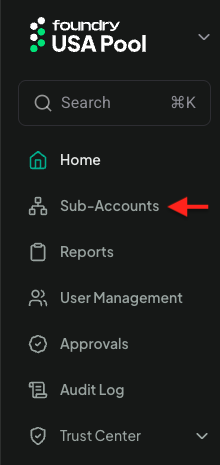
- Navigate to the "Sub-Accounts" menu on the left-hand side.
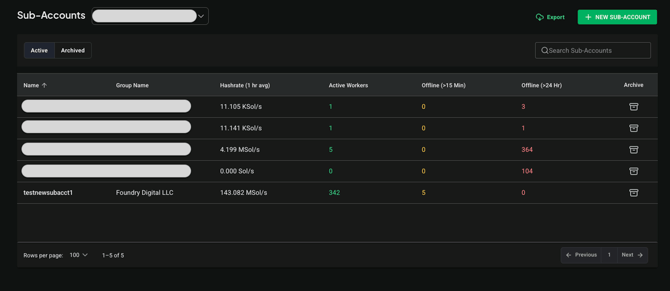
- Click the name of the sub-account you want to create a viewer link for
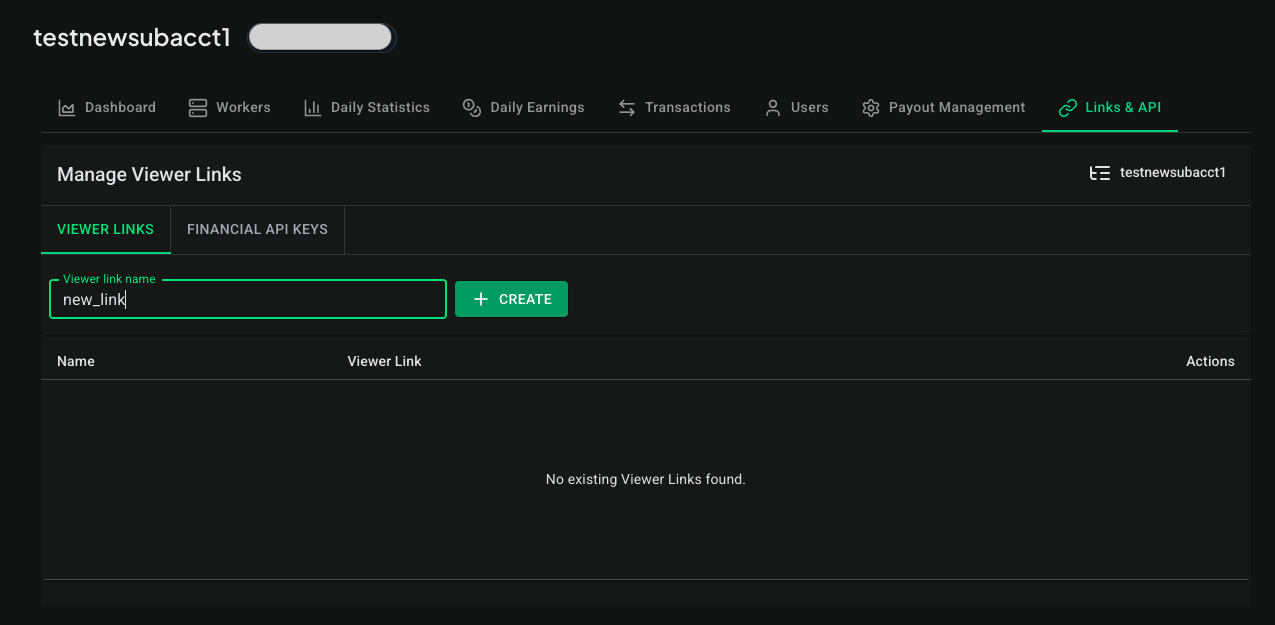
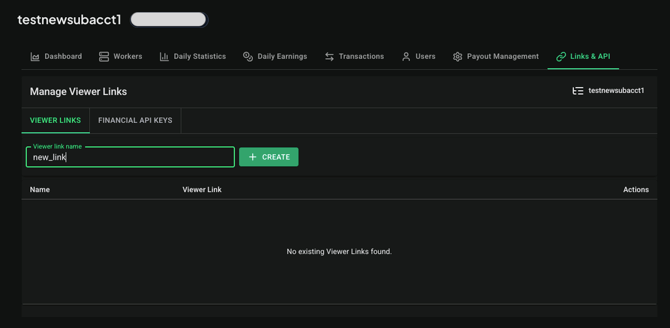
- In the Sub-Account detail, select the "Links & API" tab then enter the name of your viewer link and click Create:
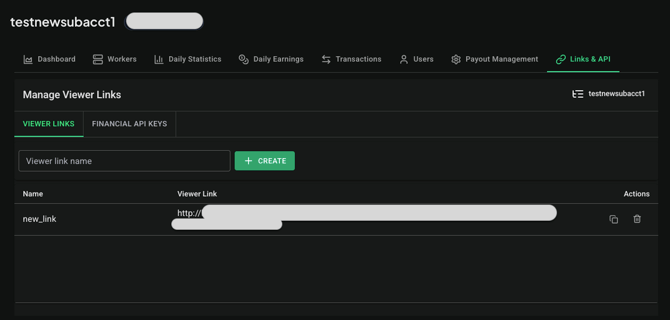
- Share the Viewer Link with anyone who requires access to individual subaccount information.
- Here is a guide to using API keys with Microsoft Excel