.png?width=250&height=79&name=foundryzcashpool_logo_inverse%20(2).png)
Managing Tags
Tags allow the user to create custom groups for worker alerts
-
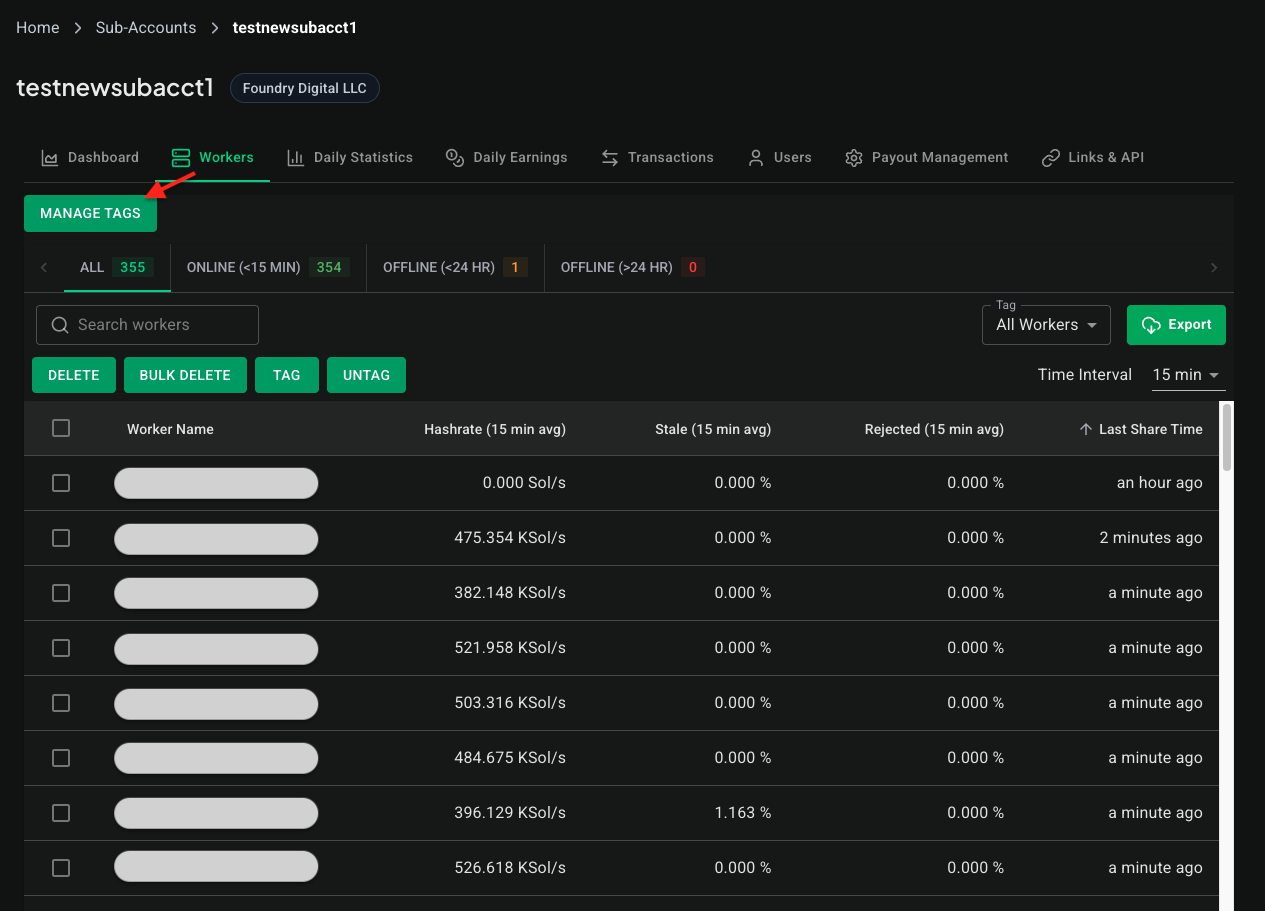
From the “Workers” tab in the desired sub-account select “Manage Tags”.
-
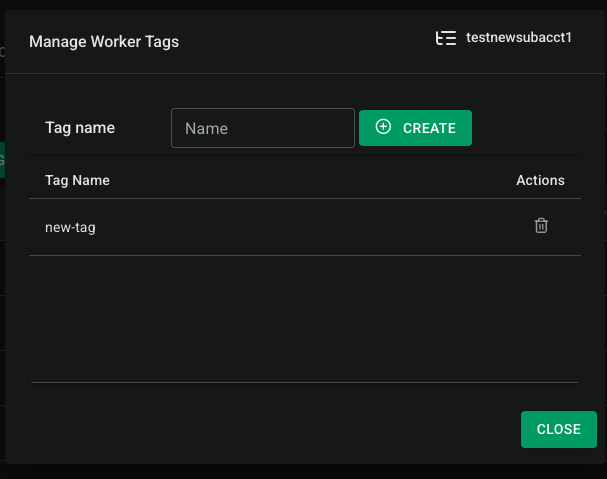
Tags can be created or deleted in the “Manage Worker Tags” menu.
-
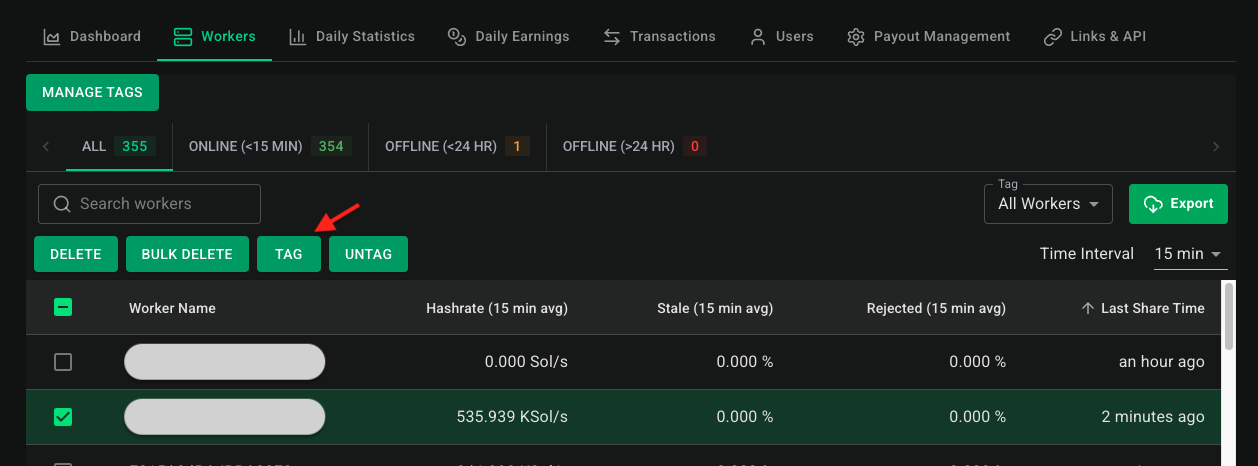
To apply a tag, from the “Workers” tab, select the desired workers and click tag.
-
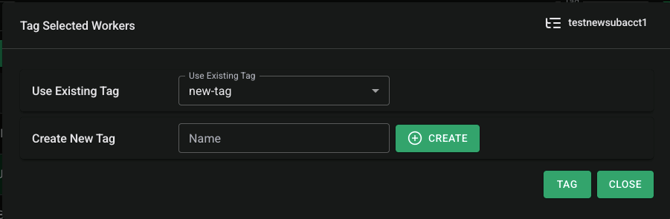
The “Tag Selected Workers” menu allows users to apply existing tags or create a new tag.
-
Select “Tag” to apply the tag.
Untagging Workers
-
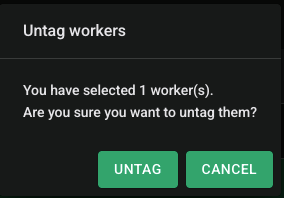
Select the workers to untag and click “Untag”.
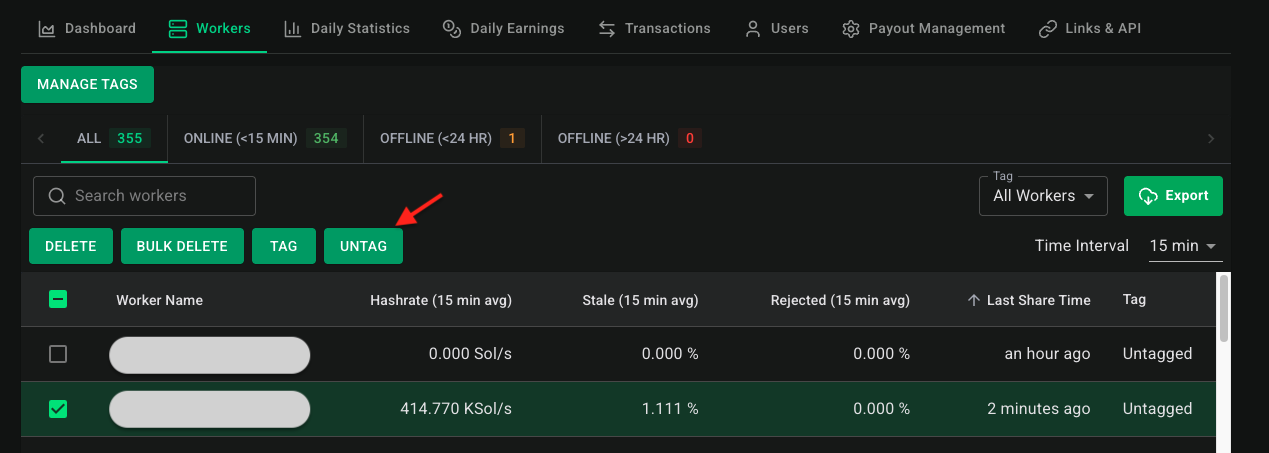
- You'll be asked to confirm the operation before continuing.