.png?width=250&height=79&name=foundryzcashpool_logo_inverse%20(2).png)
Only users with the "Owner" user role may add new users or change a current users' role within a Group Account or sub-account.
To add a new user to a group:
- Navigate to the "User Management" tab on the left-hand side of the Foundry Zcash Pool.
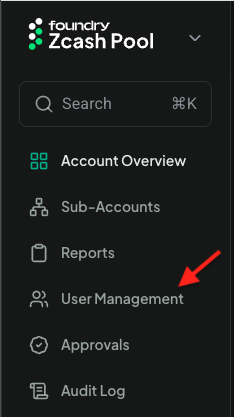
- Click the "Add User" button

- Enter the user's email address then click Next and enter the new user's information in the provided form:
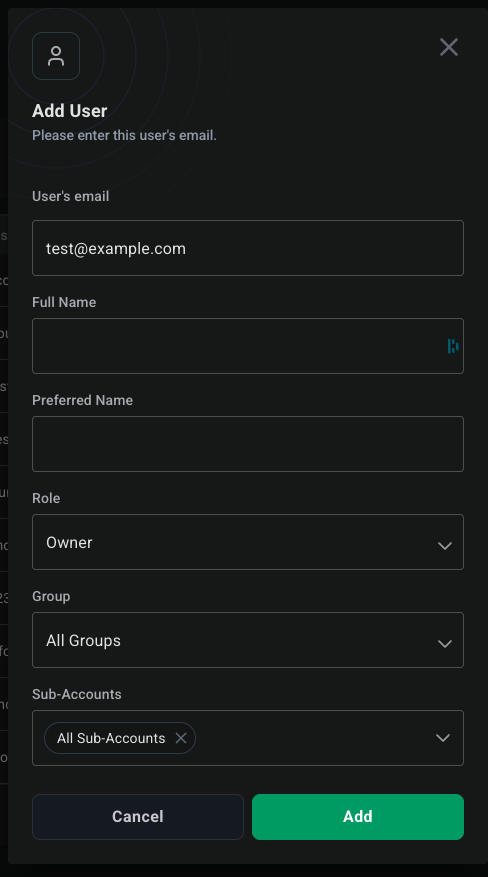
NOTE: For the Sub-Accounts' field, you can select the default "All Sub-Accounts" option to add the user to all the sub-accounts in your group or you can deselect that option by clicking the "x" in the Sub-Accounts' option chip or click the dropdown arrow, uncheck "All Sub-Accounts", and then select the sub-accounts you want to add the user to. You must select at least one sub-account option from the dropdown.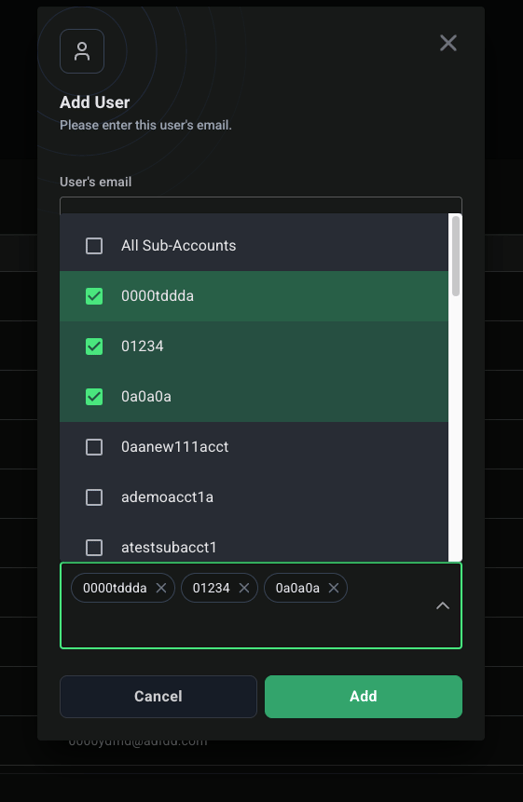
- Click "Add"

To change an existing user's role:
- Navigate to "User Management"
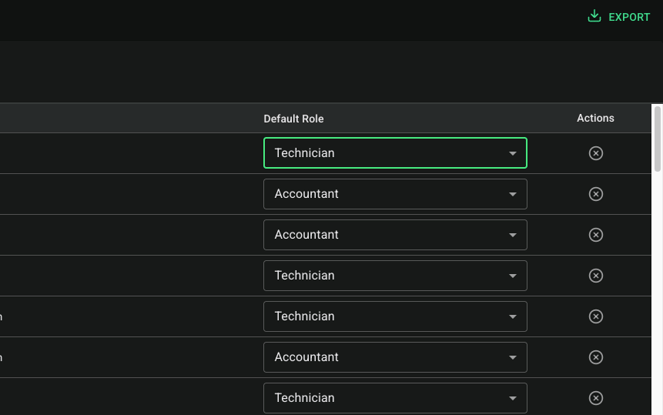
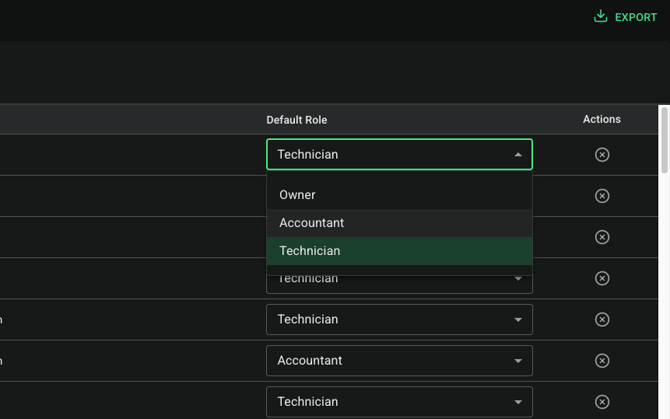
- Change the desired user's role using the dropdown menu on the right-hand side: