.png?width=250&height=79&name=foundryzcashpool_logo_inverse%20(2).png)
As all users’ payout addresses require whitelisting for security purposes, the steps required to changing a payout address are:
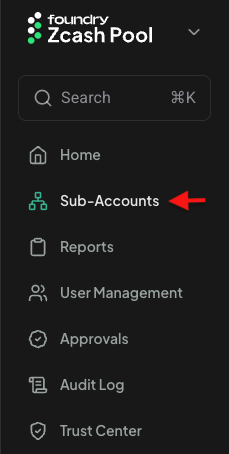
- Login with a user account that has an Owner role and navigate to the Sub-Accounts view:
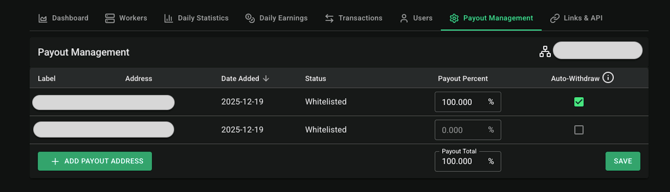
- Select a sub-account from the list and then navigate to the Payout Management tab of the sub-account's detail view :

- Once there, you can select from any previously whitelisted address and subsequent payouts will be sent to it:

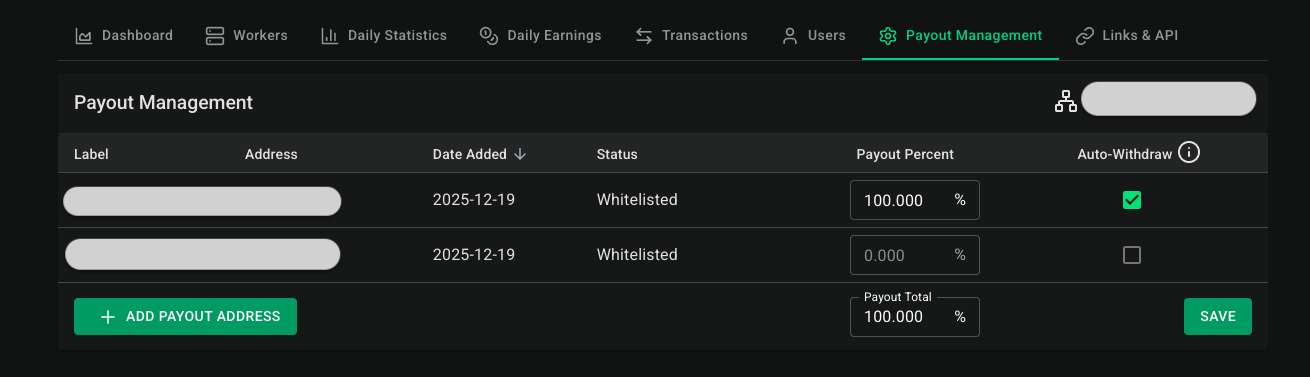
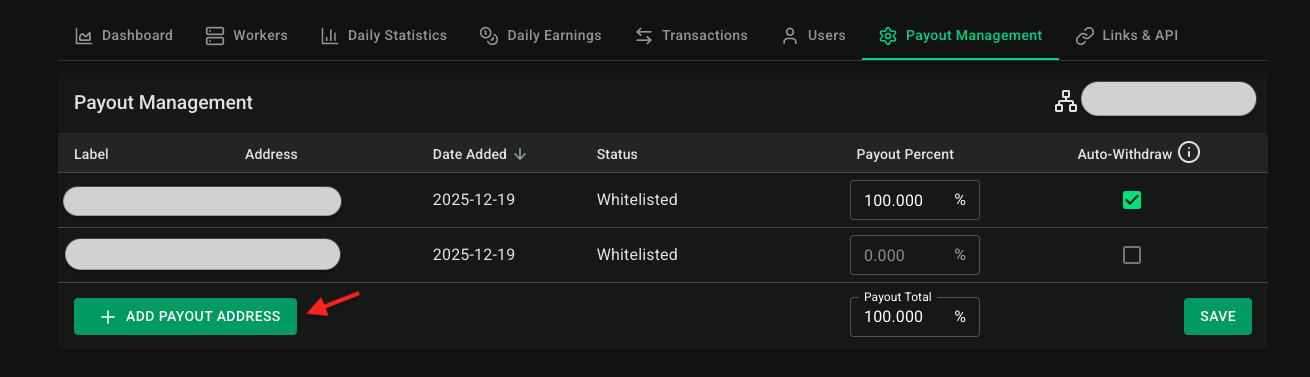
To add a new payout address:
- Click the “ADD PAYOUT ADDRESS” button:
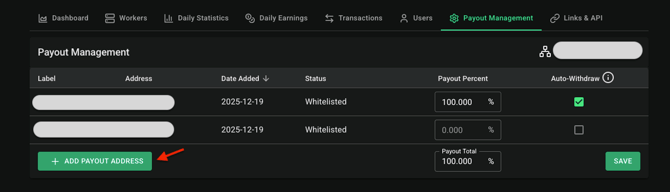
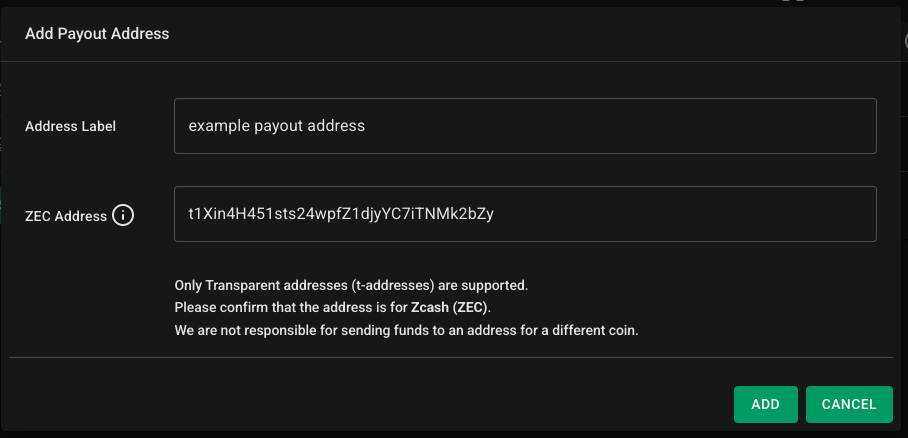
- In the subsequent dialog box, the Owner can add the ZEC address and include a label:
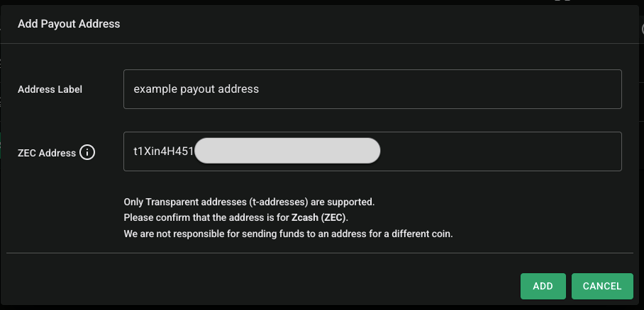
- Then click the “ADD” button to submit the request to the Foundry Zcash Pool team
- If the request is successful, you will get a success message